-
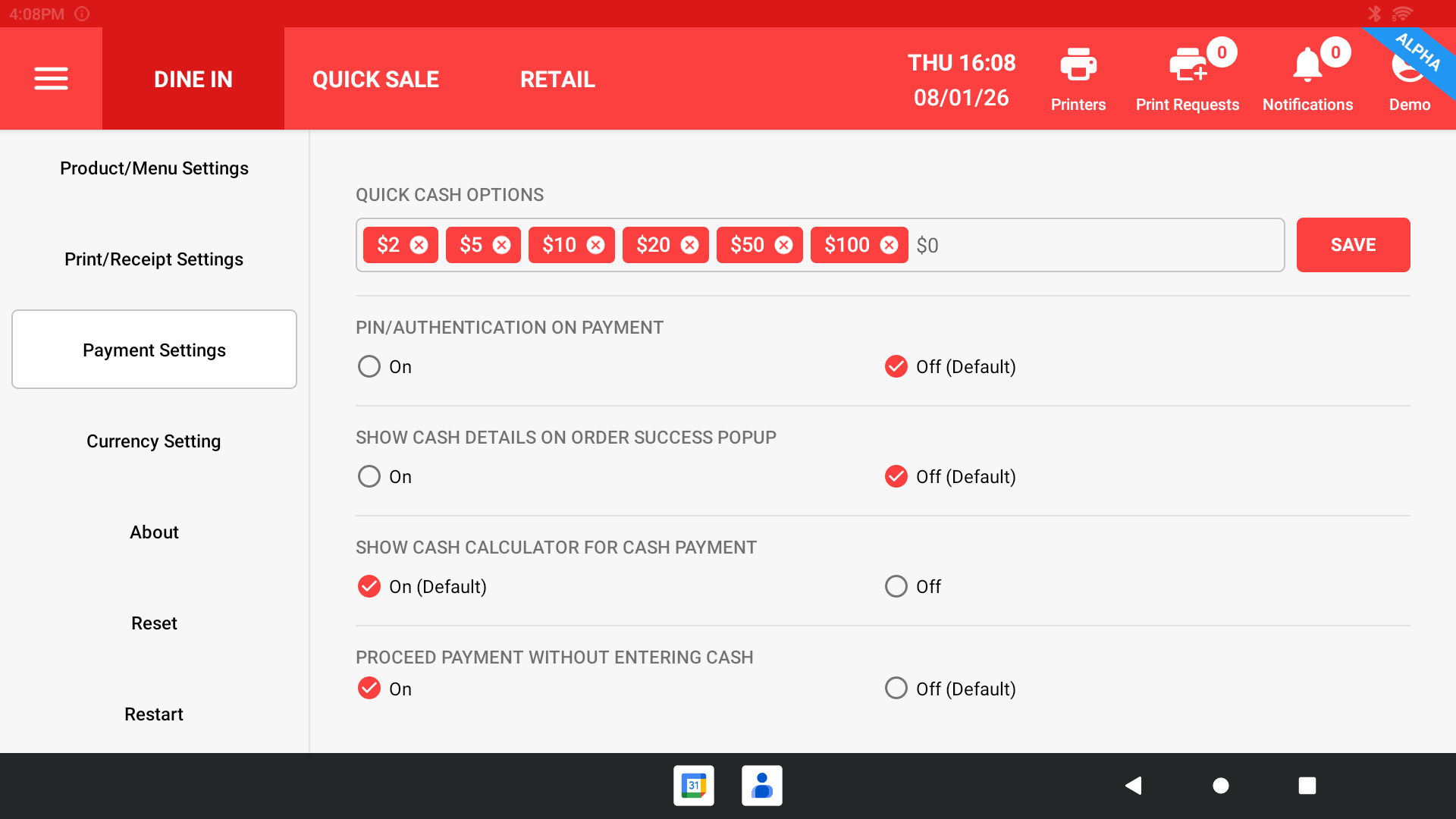
Quick Cash Options – Set preset cash amounts for faster payment.
-
Payment PIN / Authentication – Require PIN before processing payment.
-
Show Cash Details on Success Popup – Display paid amount after order completion.
-
Show Cash Calculator – Enable calculator to enter customer’s cash amount.
-
Proceed Without Cash Amount – Allow payment without entering cash received.