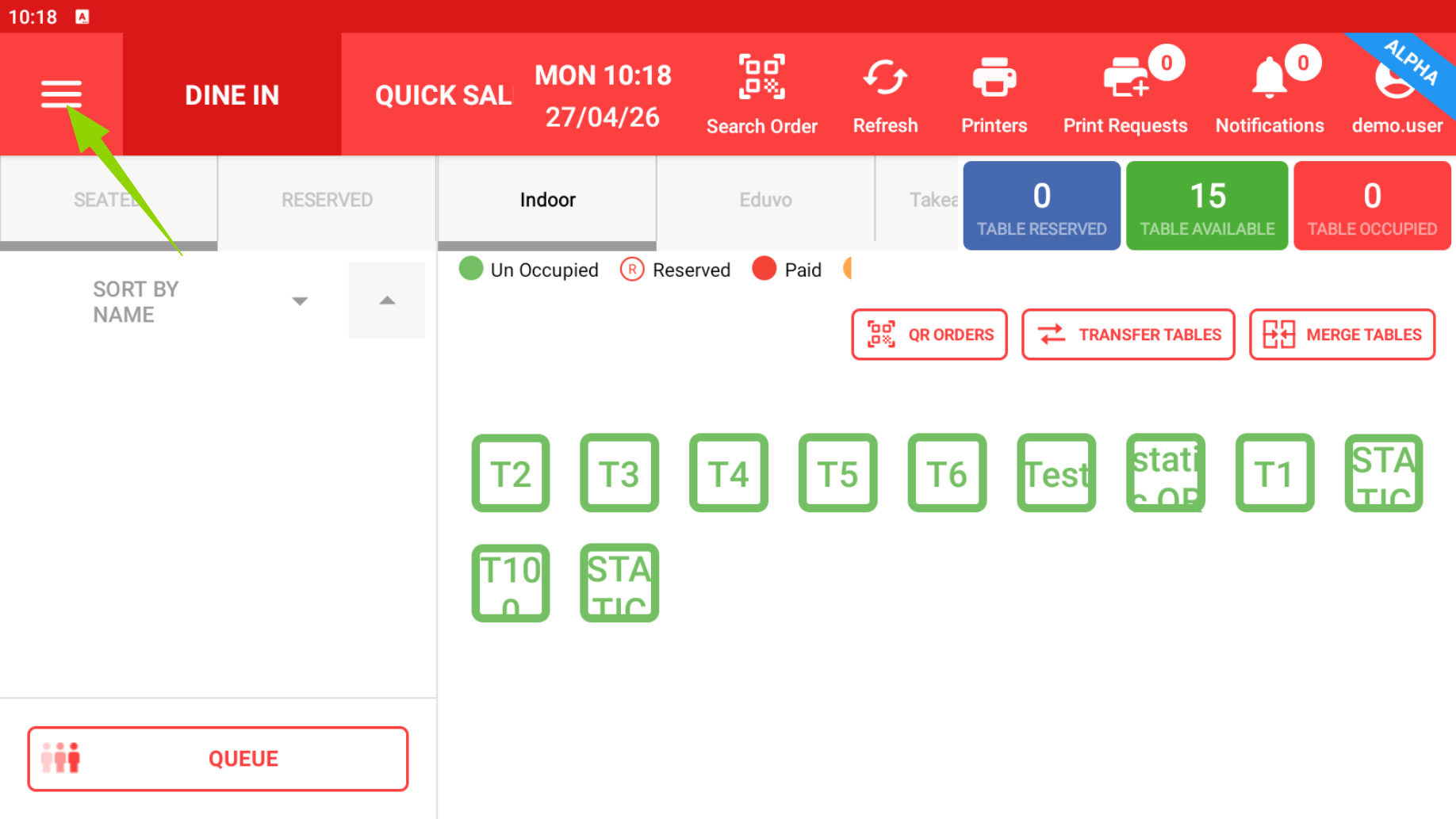
Step 1: Tap on the 3 lines.

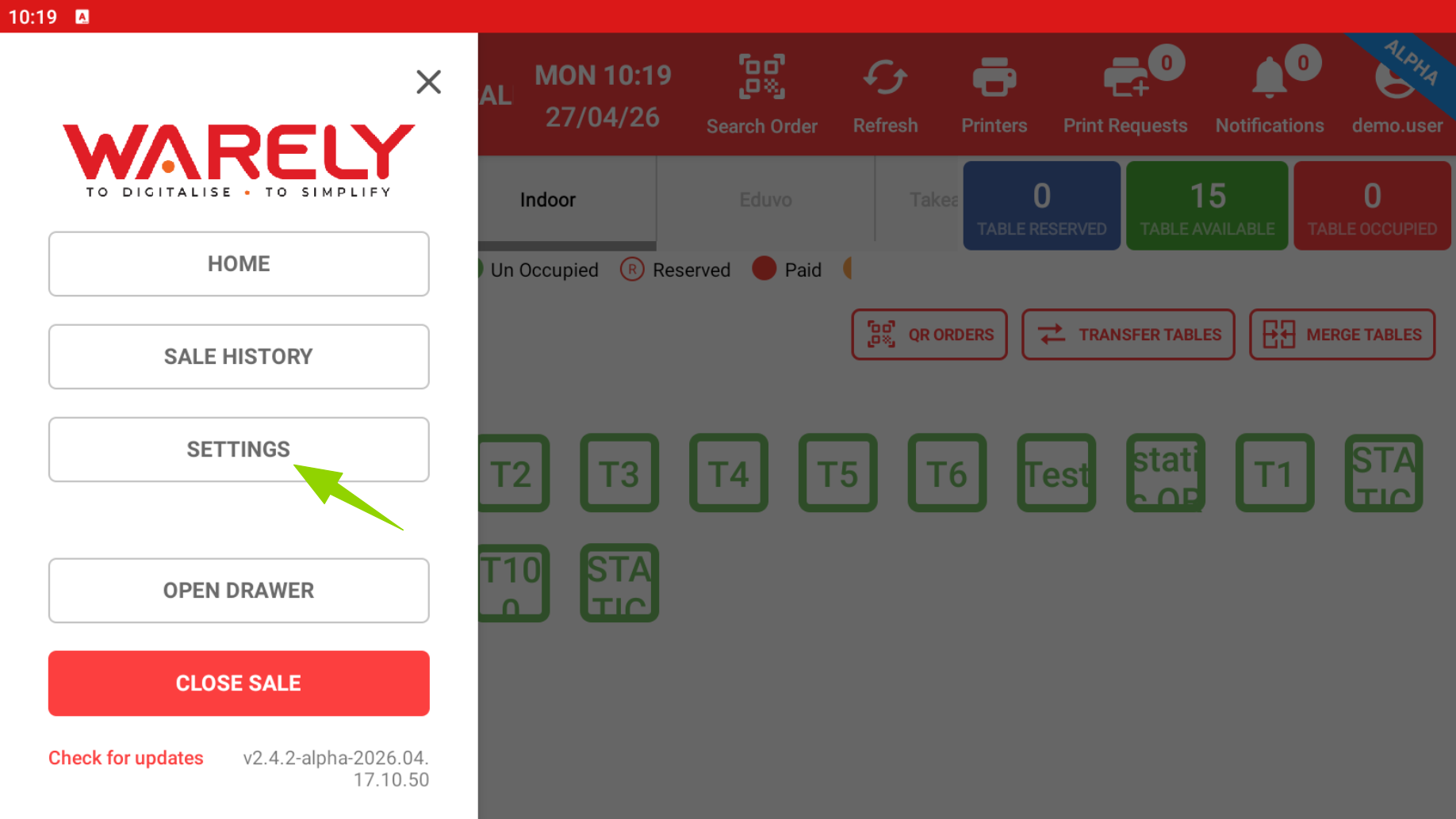
Step 2: Tap on settings
Step 3: Tap on manage devices
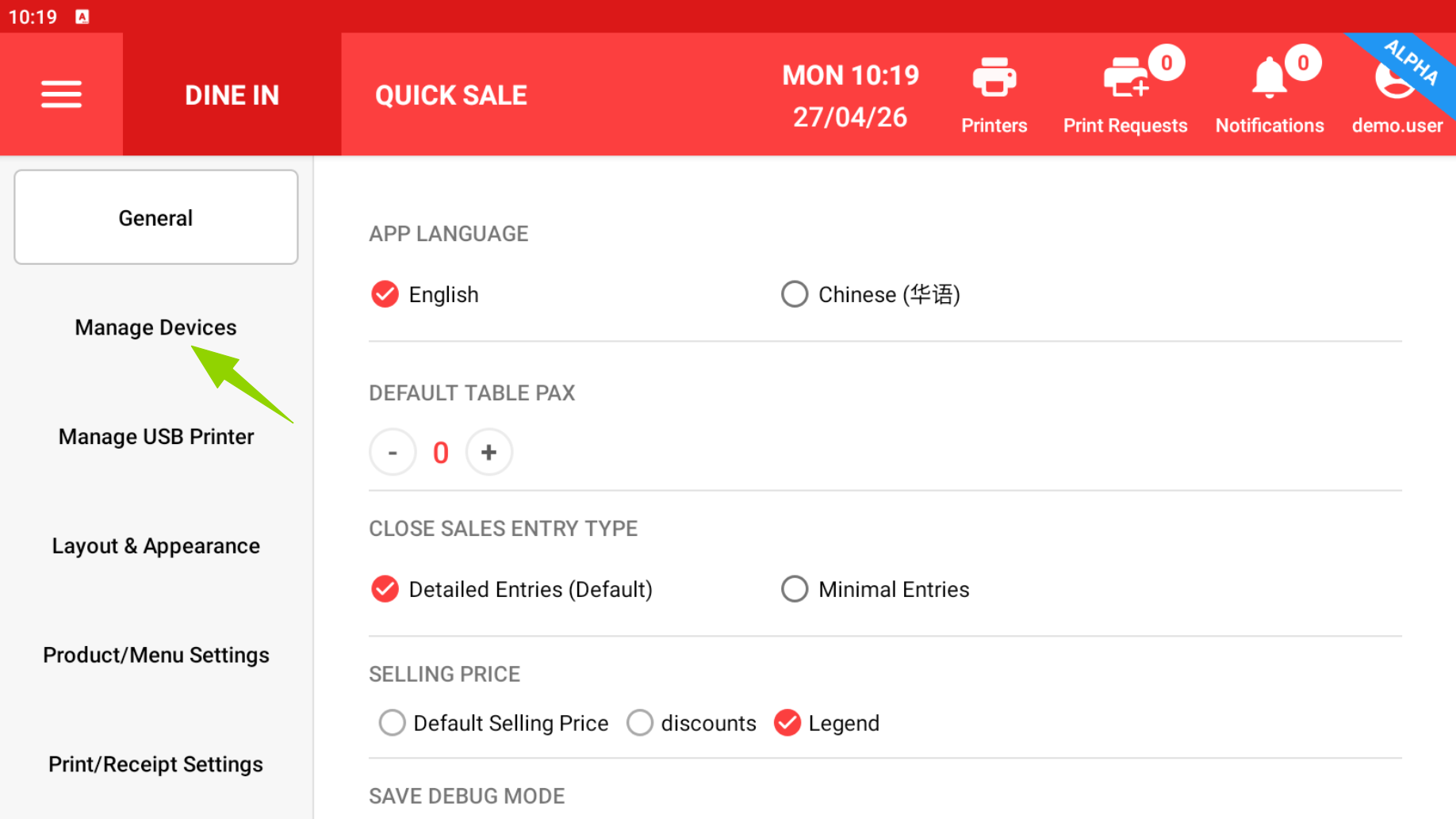
Step 4: Check if the payment terminal is listed.
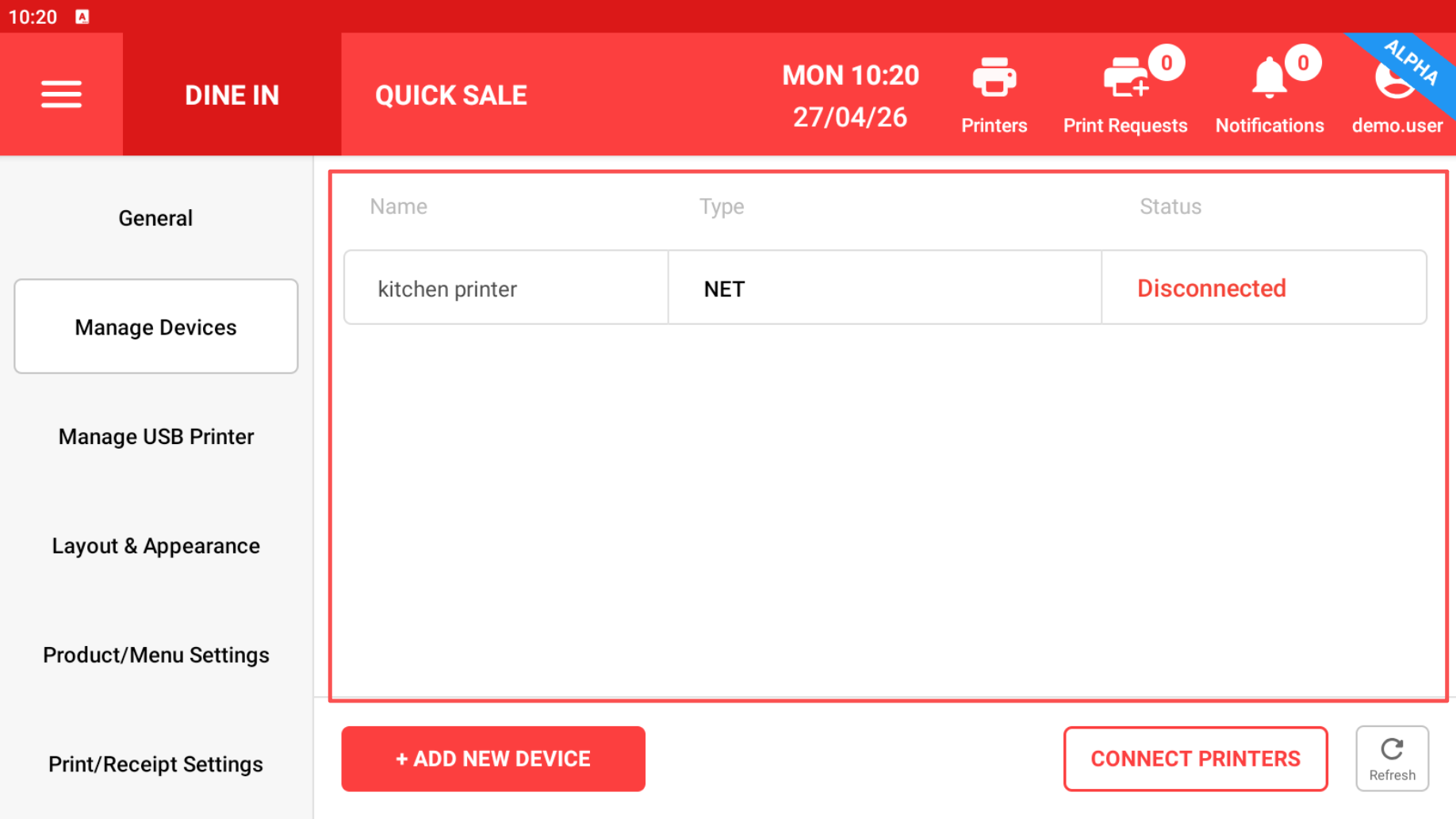
If not listed do the following steps, if listed skip to step 8
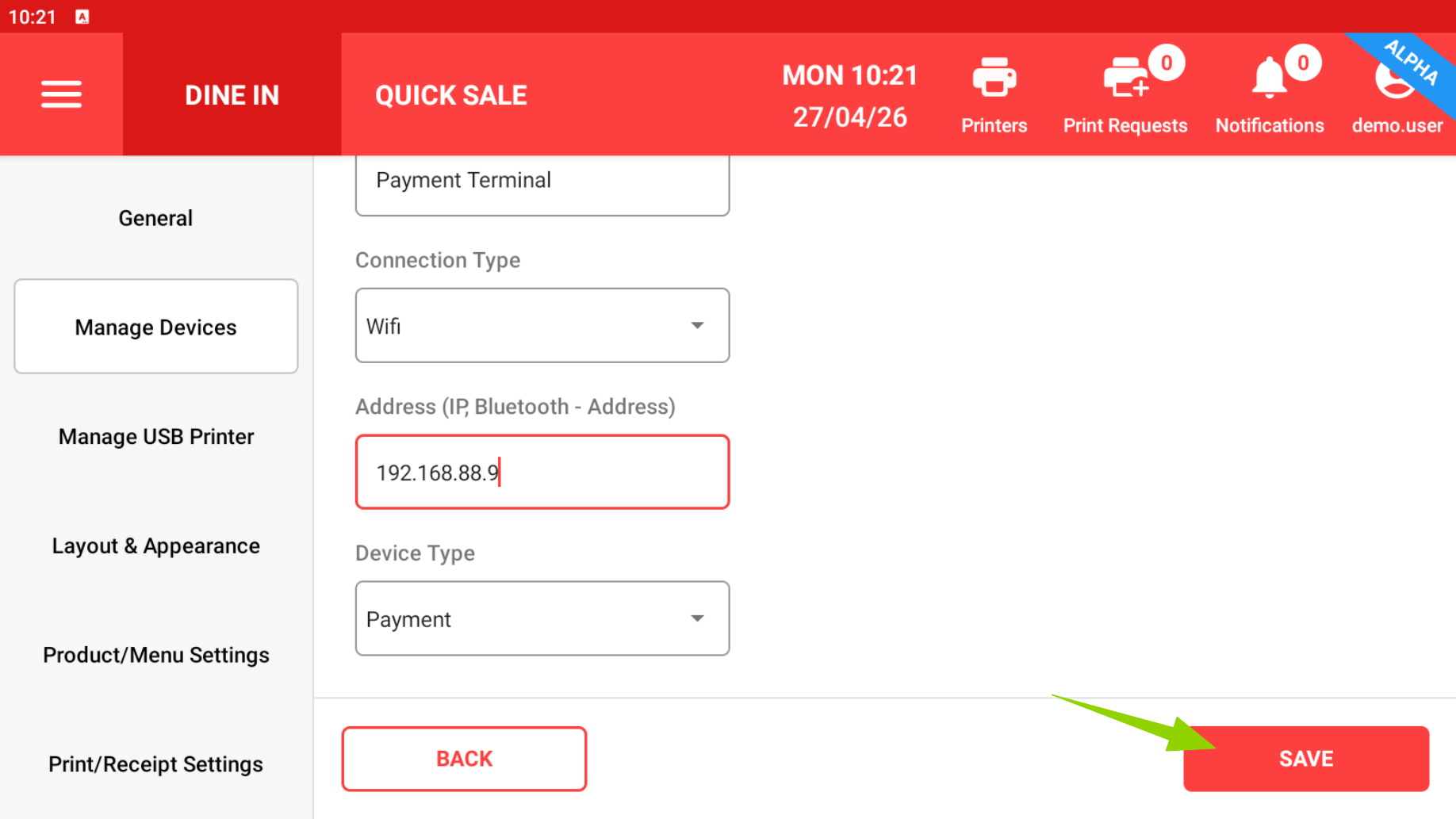
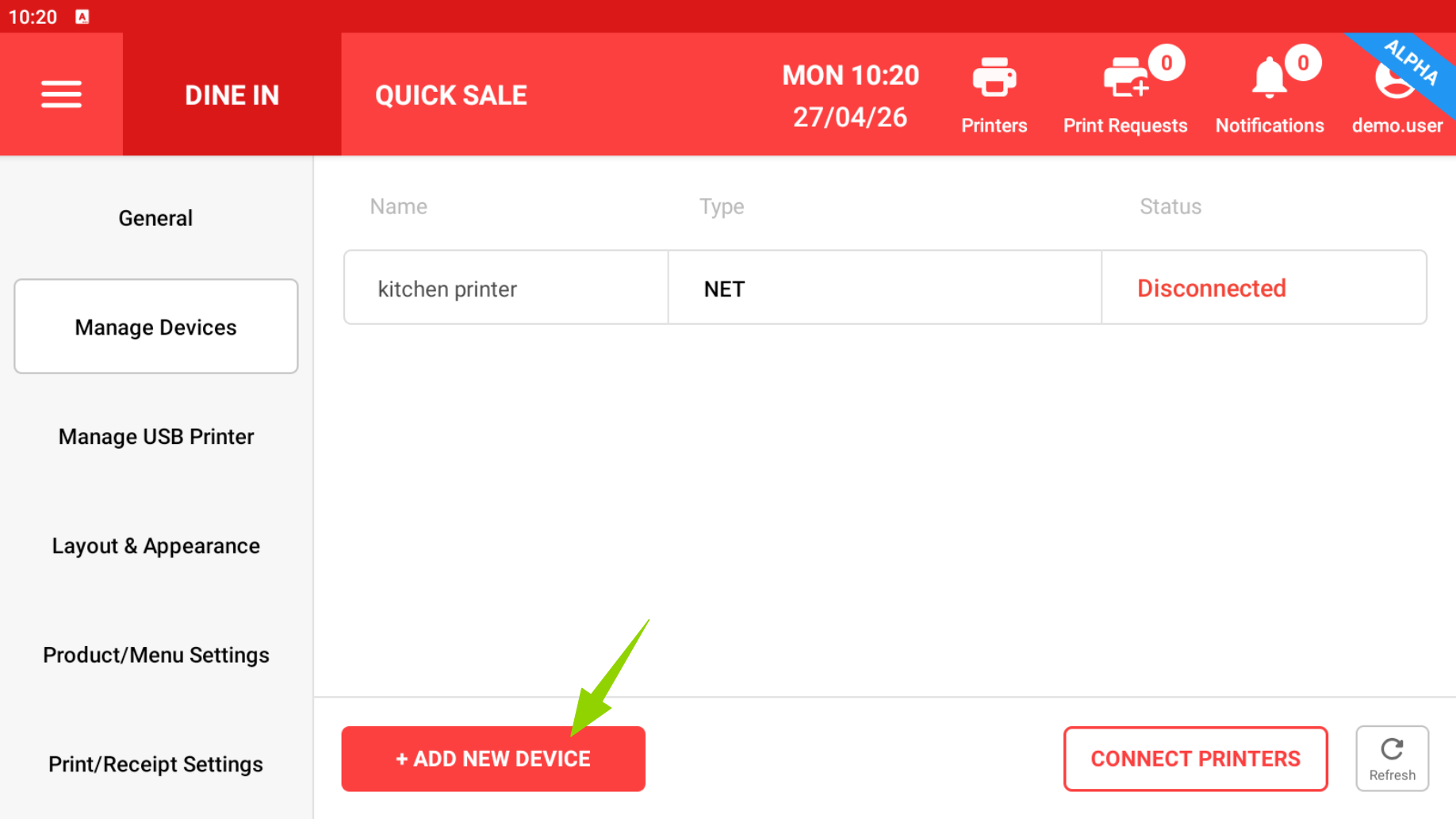
Step 5: Tap on "Add new device".
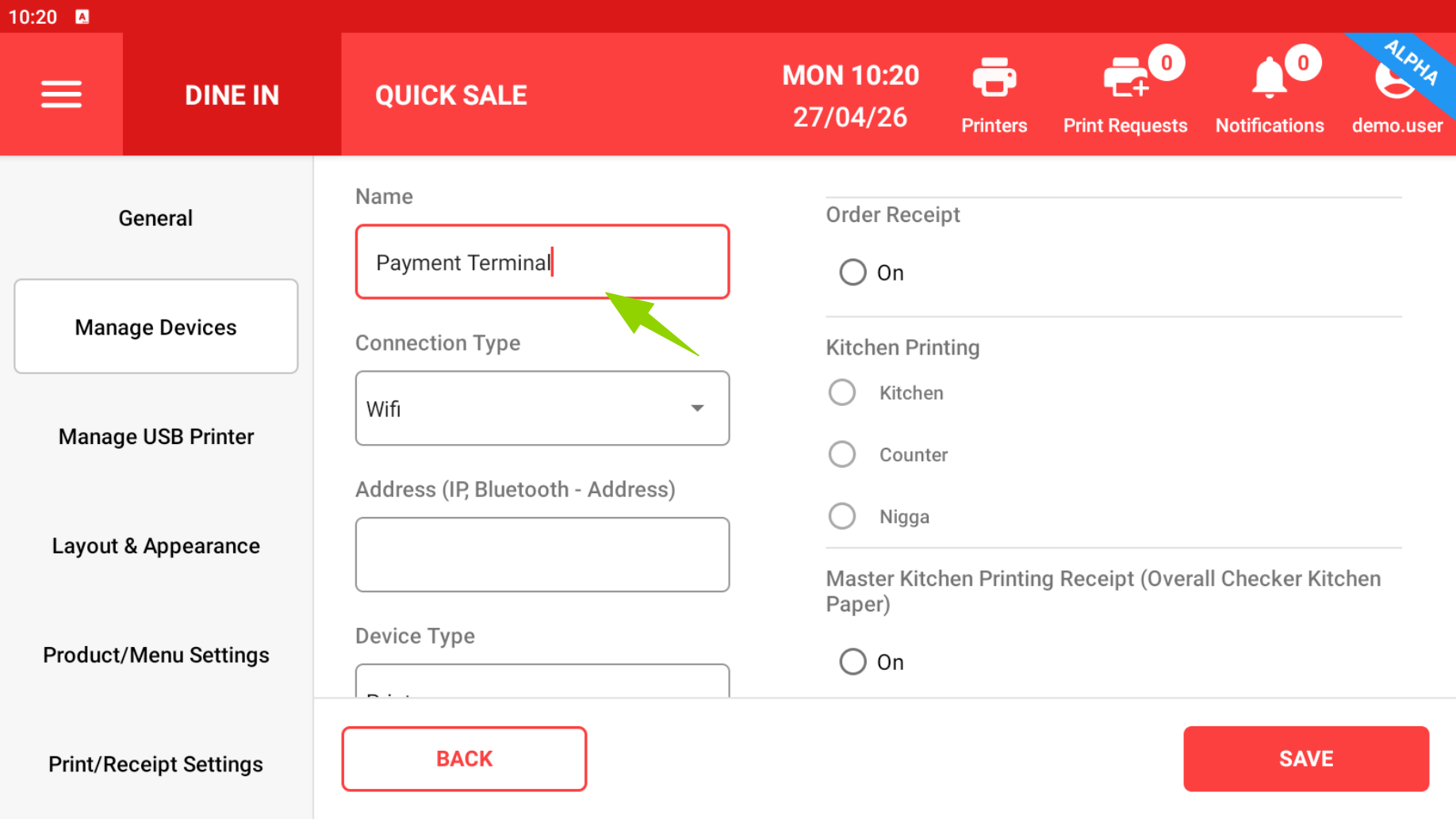
Step 6: Type in the name "Payment Terminal"
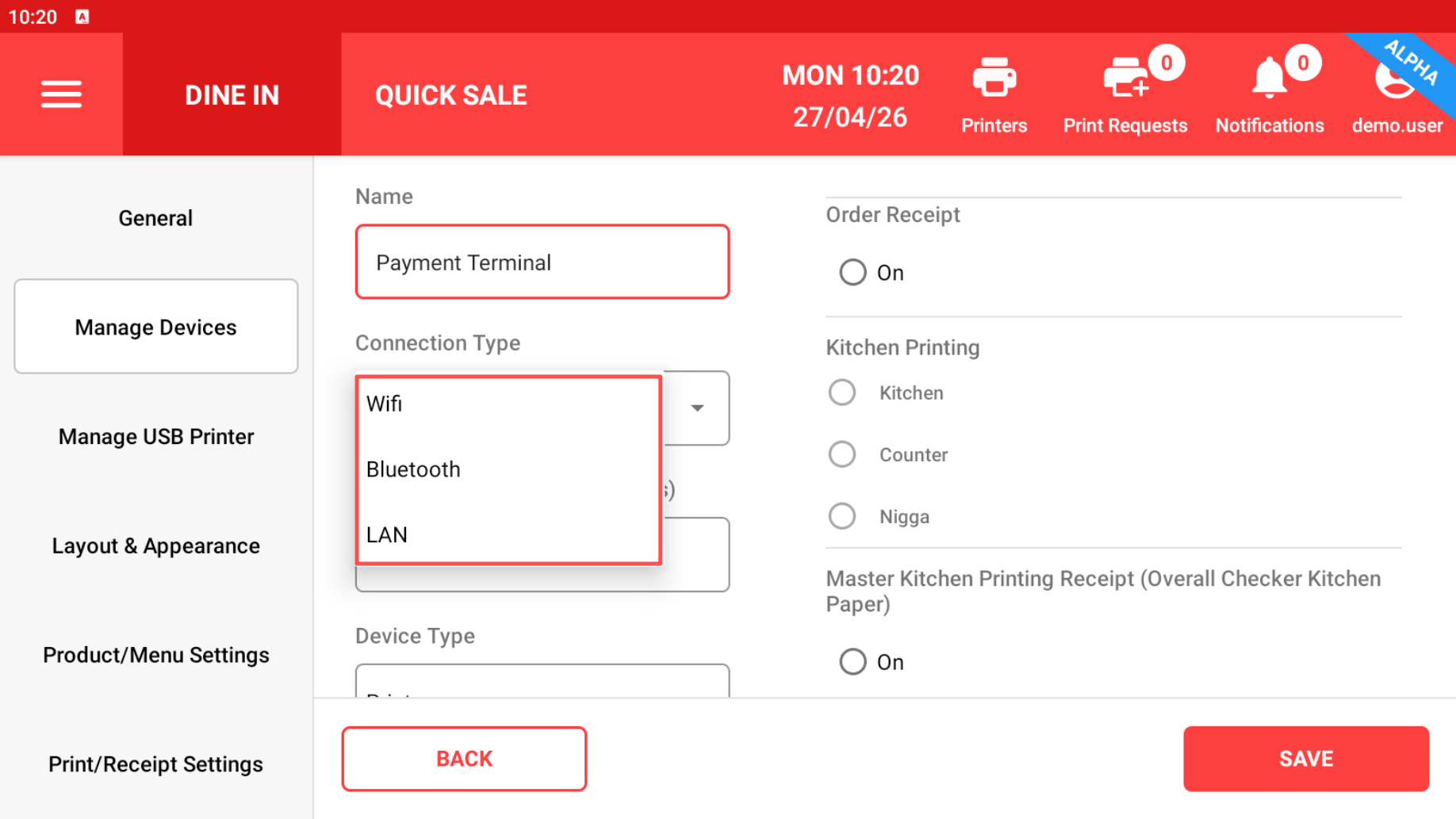
Step 7: Connection Type pick "WiFi"
If listed already check the IP make sure it is (192.168.88.9), then save.
Step 8: Type in the IP make sure it is (192.168.88.9)
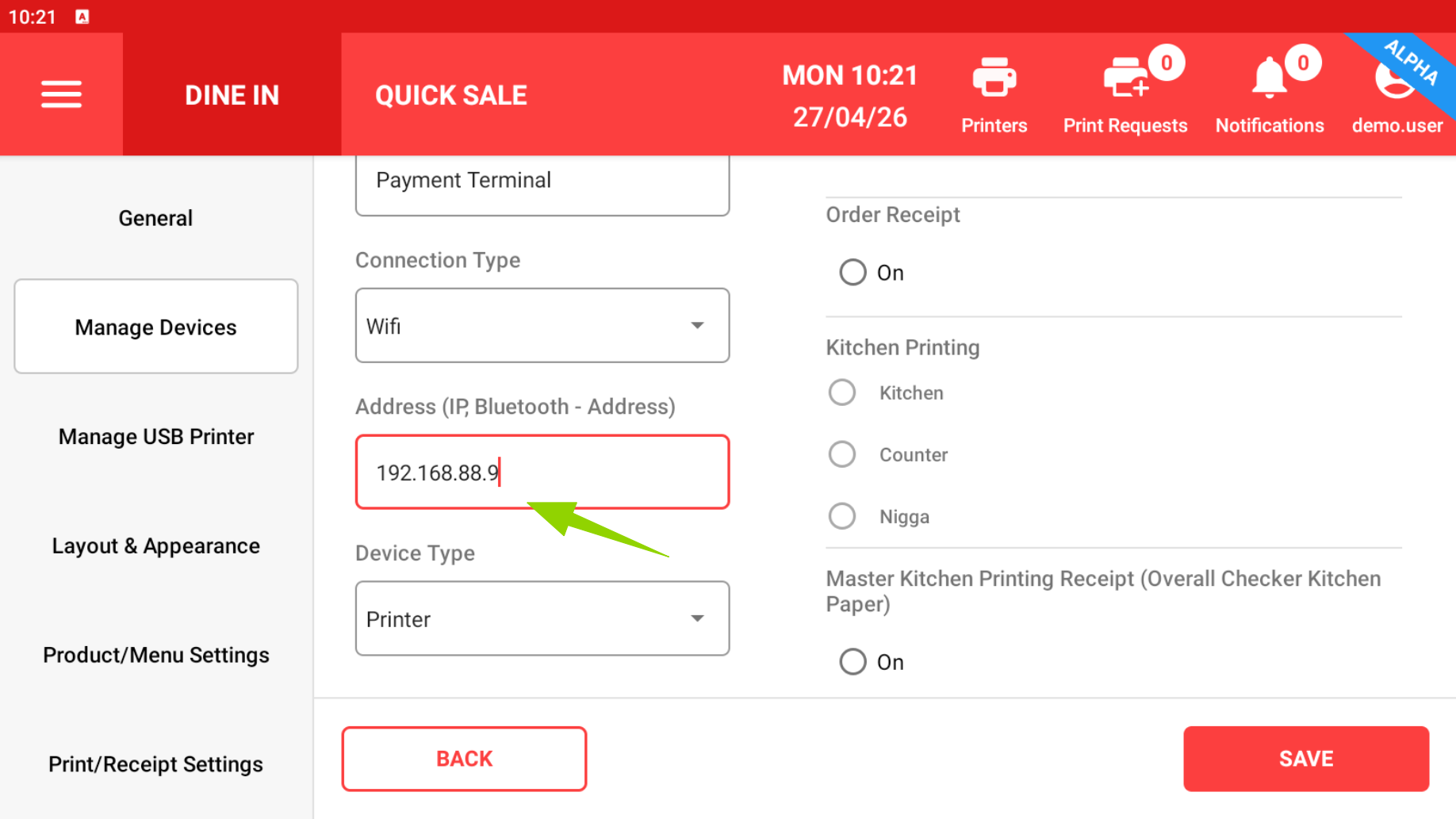
Step 9: Device type pick "Payment"
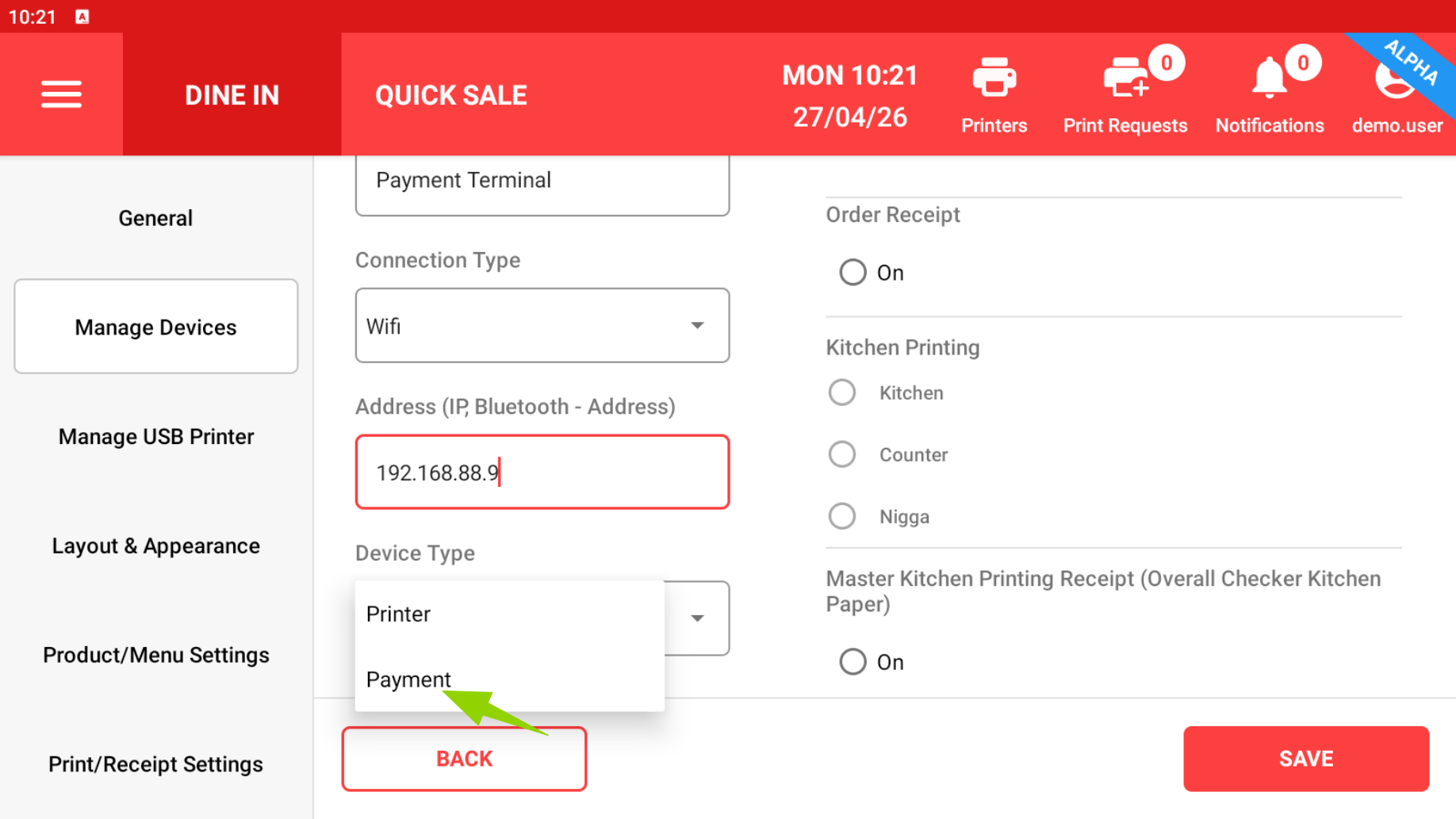
Step 10: Save the settings