Printer Common Issue
1. Receipt paper jammed at the printer output
2. The printer is not responding or printing anything
3. Blade gets stuck by grease or insect corpses
4. Power cord burnt out
5. One of the springs on both sides has fallen out
6. The old thermal paper roll core wasn’t removed before inserting a new one, causes the cover can’t close
7. The printed receipt shows no text
Solution
1. Attempt to open the printer lid gently and clear any paper that may be stuck inside
2. Check the power button and power cord and make sure they are connected properly
3. Avoid exposing the printer to greasy conditions and make sure to clean it on a regular basis
4. Replace with a new power cord
5. Insert the spring correctly into the slot
6. Take out the old thermal paper roll core and check if the lid can be closed
7. Insert the paper into the printer correctly, when you correctly insert the paper, it should be facing backwards, just like Picture A. If it looks like Picture B, it means it's inserted wrong side
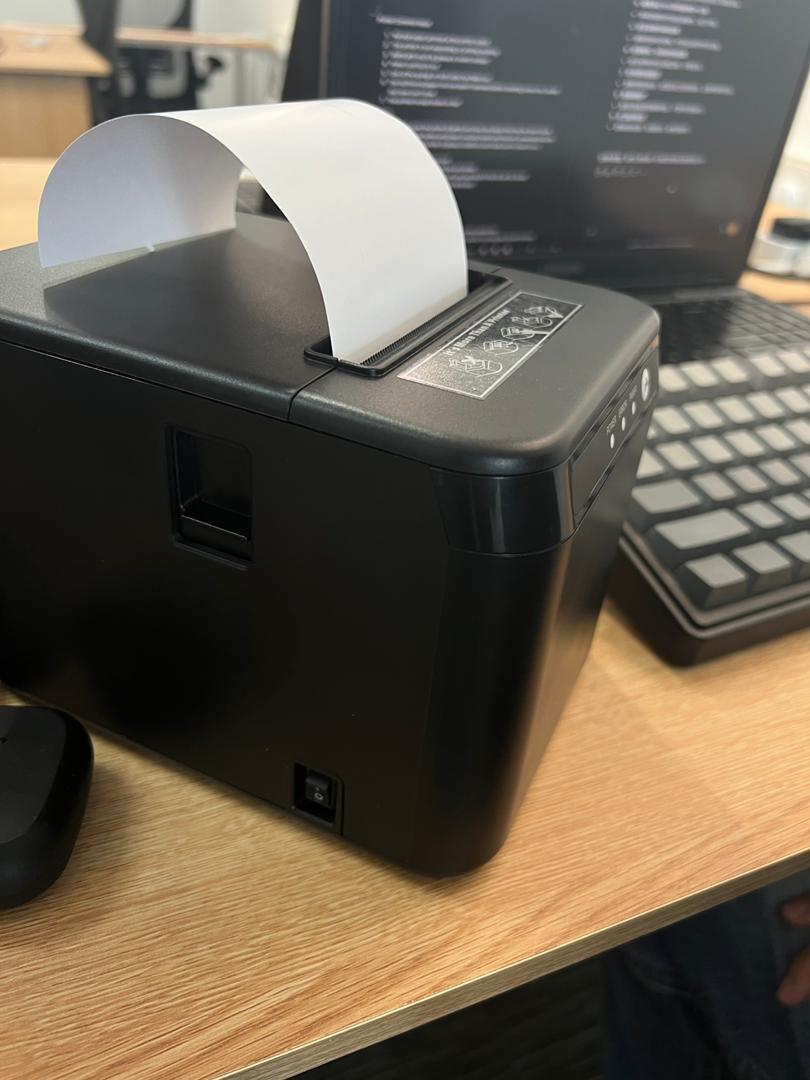
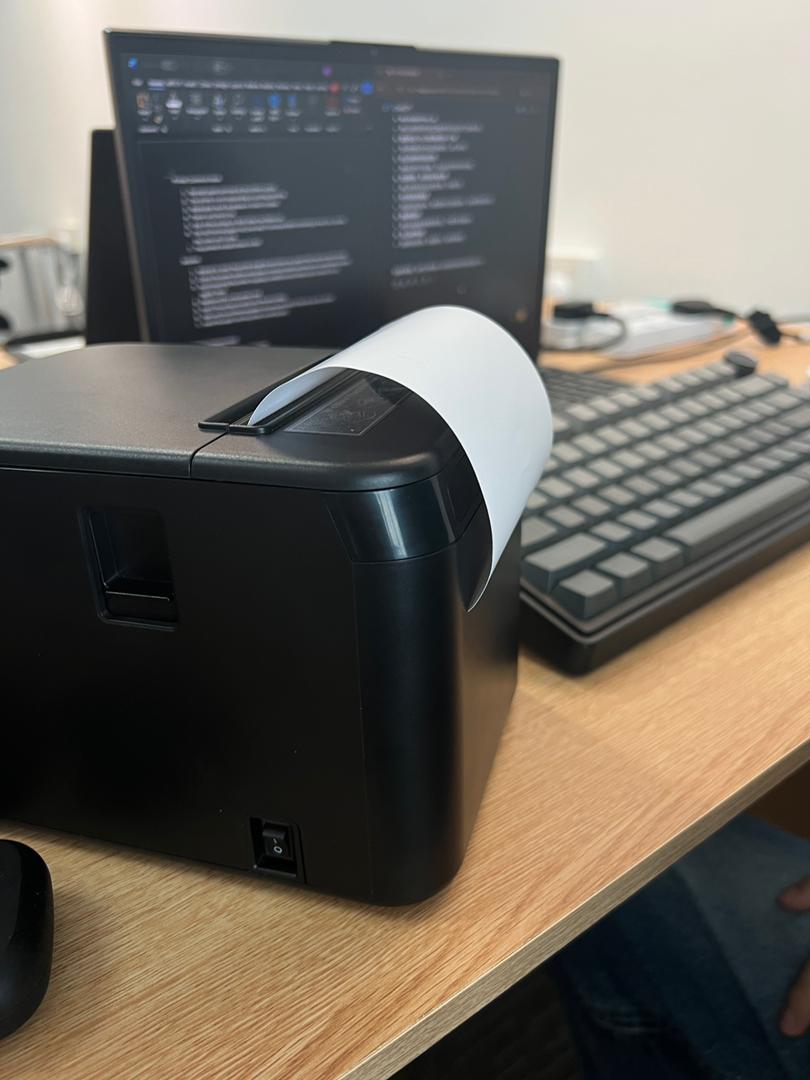

Picture A Picture B