 Steps to login to Warely Alpha Backend.
Step 1: Go to your browser and type in: https://alpha.warelypos.com/login
In the instance, you will be able to see a username, and password field.
Below as attached is a photo on our alpha Warely backend.
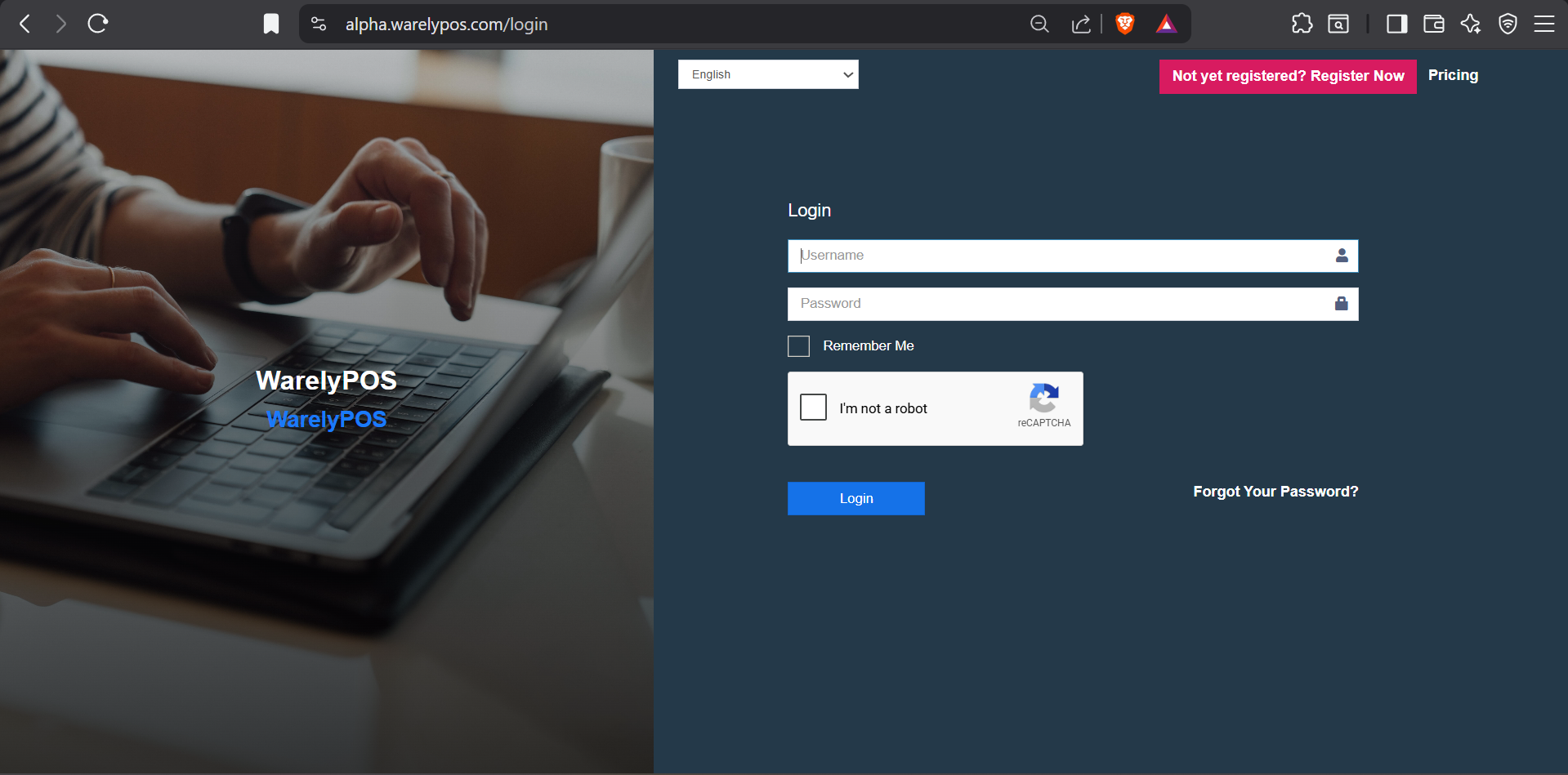
As you can see on the above, you will be able to see the "Username" and "Password" field. Kindly login your credentials that is shared on the WhatsApp group description. (e.g. Username: Demo.user , Password: Demo123)
Kindly tick the "I'm not a robot" reCAPTCHA authentication. After verifying, click on "Login" and you will able to go into your very own backend.